
Configure leaderboards and graduation periods
Choose whether leaderboards follow the month and year or your graduation periods, create leaderboard types by class type and keep the periods current.
Where: Leaderboard Types
Updated on
Open in MatGoatLeaderboards order attendance according to the academy’s period and rules. Leaderboard types separate activities or participants, while graduation periods establish tracking windows. Configure each part on its own screen: the calculation mode is not changed from the list of leaderboard types.
Choose the calculation mode
An administrator opens Settings and the academy-information page, then finds the ranking-calculation options. The academy can use month/year time periods or graduation periods when its primary discipline uses belts. Disciplines without belts use time-based calculations.
Switching to time-based mode hides the graduation tab but keeps saved periods. Returning to graduation mode makes them available again. Check that a period includes today’s date before interpreting the resulting figures; an old period name alone does not establish the current reporting window.
Create leaderboard types
- Open Leaderboards from academy settings
- Create or edit a leaderboard type
- Select the applicable class types and participants
- Save and inspect the student-facing result
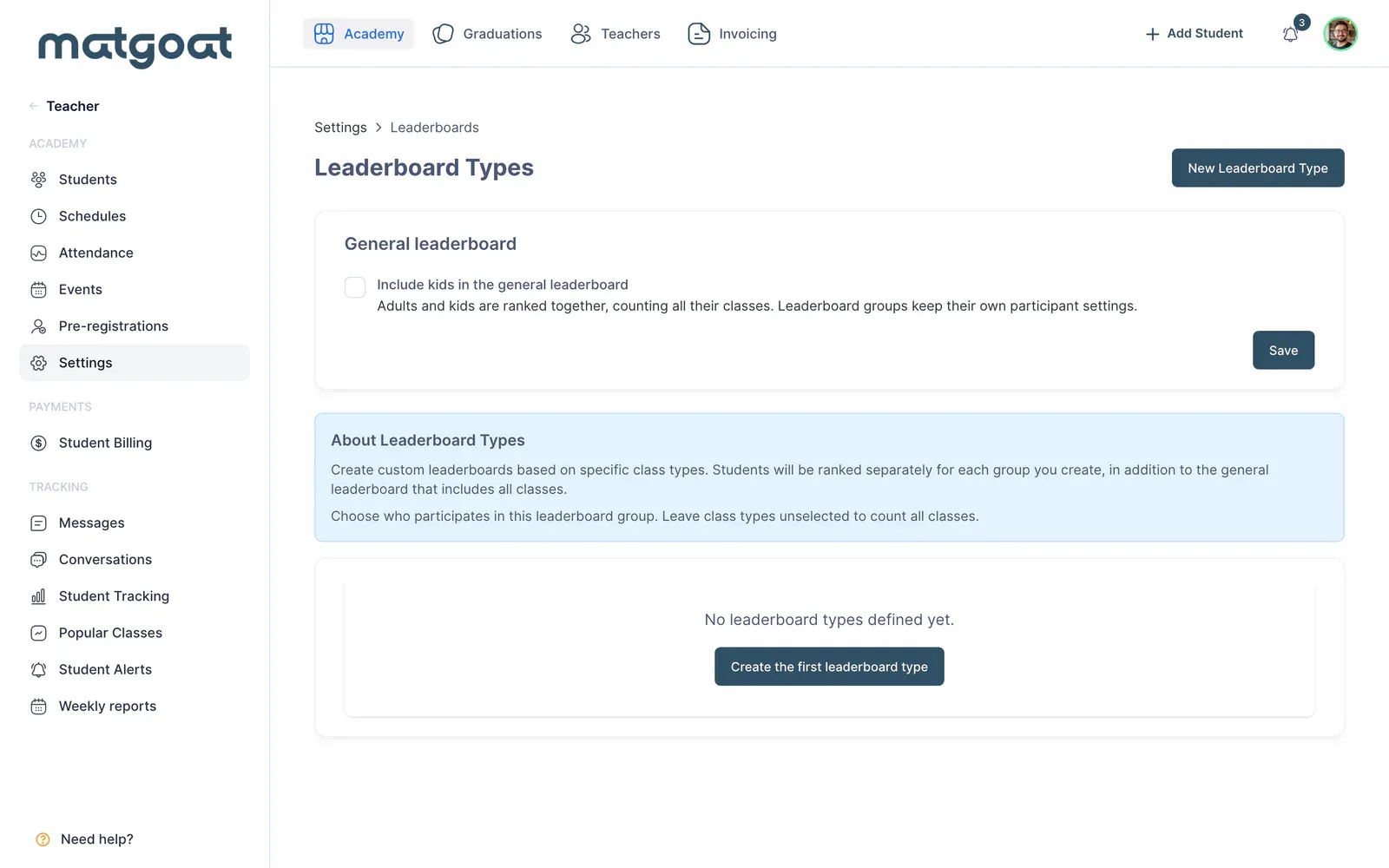
Leaderboard types compare specific populations without changing attendance history. The general leaderboard shows adults unless including children is enabled. Each type retains its own participant selection, so do not assume a general-leaderboard setting changes every custom type.
A student can choose to hide from attendee lists and rankings. This does not delete their history or hide them from teacher profiles, the kiosk or internal attendance reports. A missing public ranking entry therefore does not necessarily mean that attendance was lost.
Maintain graduation periods
In graduation mode, review current and upcoming periods. Use the available generation and editing tools to keep names and dates correct. The configured frequency can be quarterly, half-yearly or annual; do not infer the academy’s actual calendar from an old label.
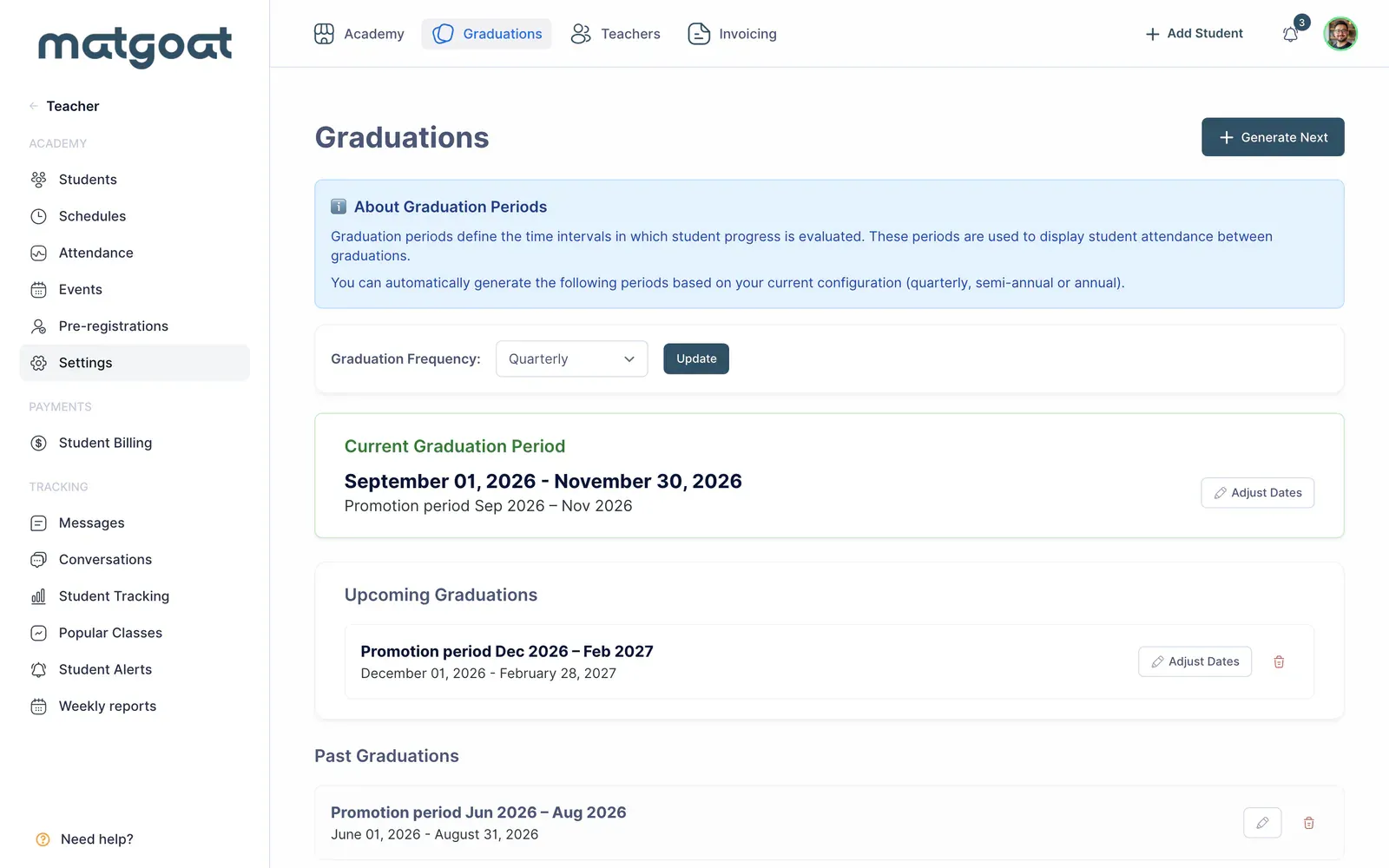
Continuous mode supports tracking associated with belt changes rather than only closed calendar windows. Before choosing it, review how your academy handles promotions and inspect each student’s history. Teachers need the ranking-and-graduation permission for the relevant management tasks.
Understand the scoring
Weighted statistics count a normal class as 1, an observed class as 0.5 and a graduation class as 3. Future classes do not count, and preregistration academies require check-in. The leaderboard displays up to 50 members rather than an unrestricted complete roster.
A score does not award a belt automatically. Promotion progress can use a different calculation and its own thresholds. Consult belts and promotions and check the attendance report before sharing results or preparing a grading.
Related articles
Still have questions?
Write to us and a real person will answer, in your language.