
Change a class's time or type, or cancel it
Change the time or class type of a single class without touching the weekly schedule, or cancel it: MatGoat removes bookings and notifies booked students.
Where: Attendance
Updated on
Open in MatGoatYou can change one class without altering the schedule for subsequent weeks. Open Teacher > Attendance and select the class on its date.
Check that you can edit it
Time and type changes are available for classes dated today or later that are not cancelled and whose schedule is not archived. Teachers need access to that schedule through assignment or permission to manage all schedules; administrators have full access.
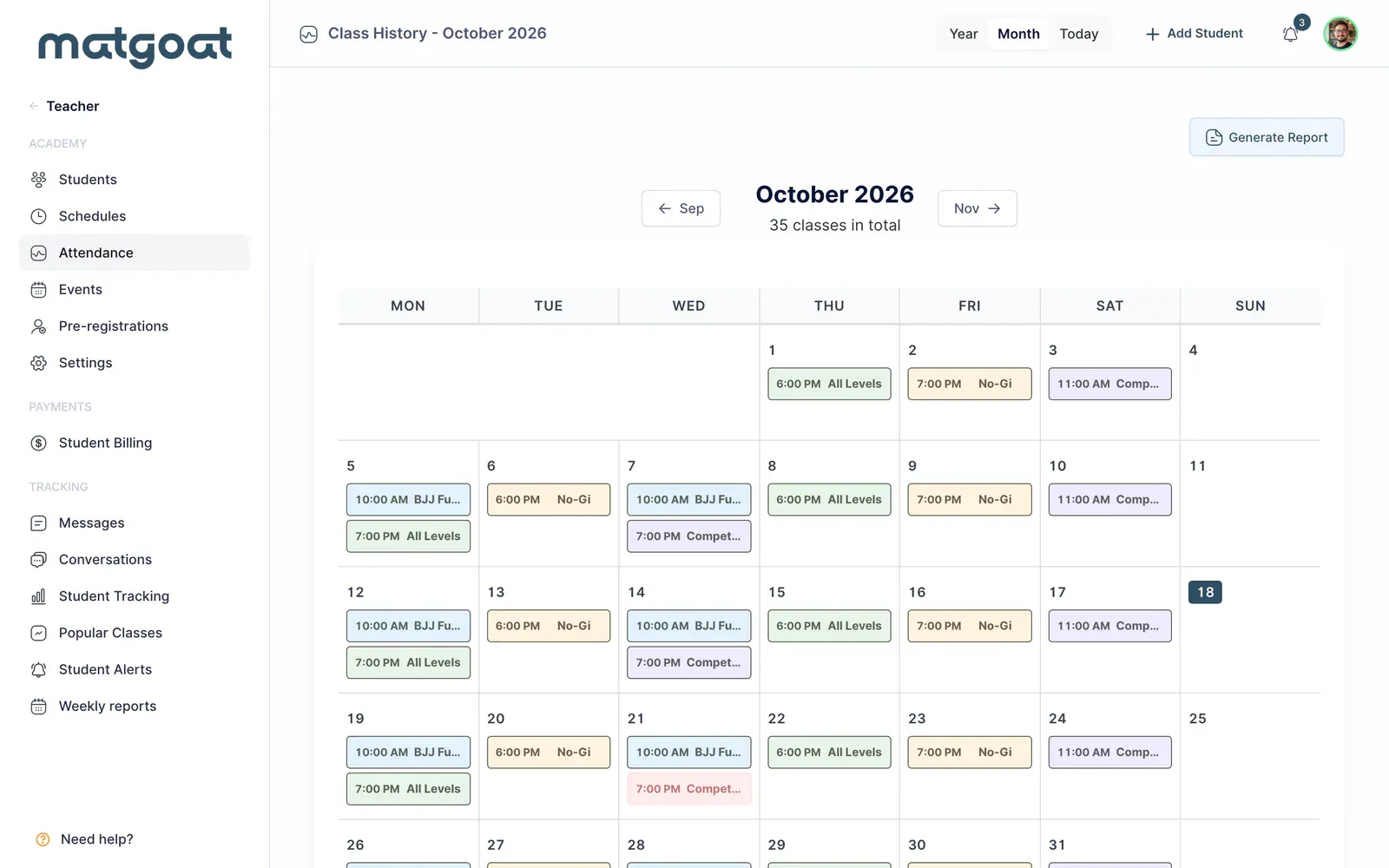
To change every week, edit the schedule in its own section. The attendance page works on an individual session and preserves bookings when you change its time or activity.
Change this session’s time
- Select the time in the class header, beside the edit icon
- In Adjust this session’s time, enter the start and end times
- Select Save changes
- Check the new time in the header and calendar
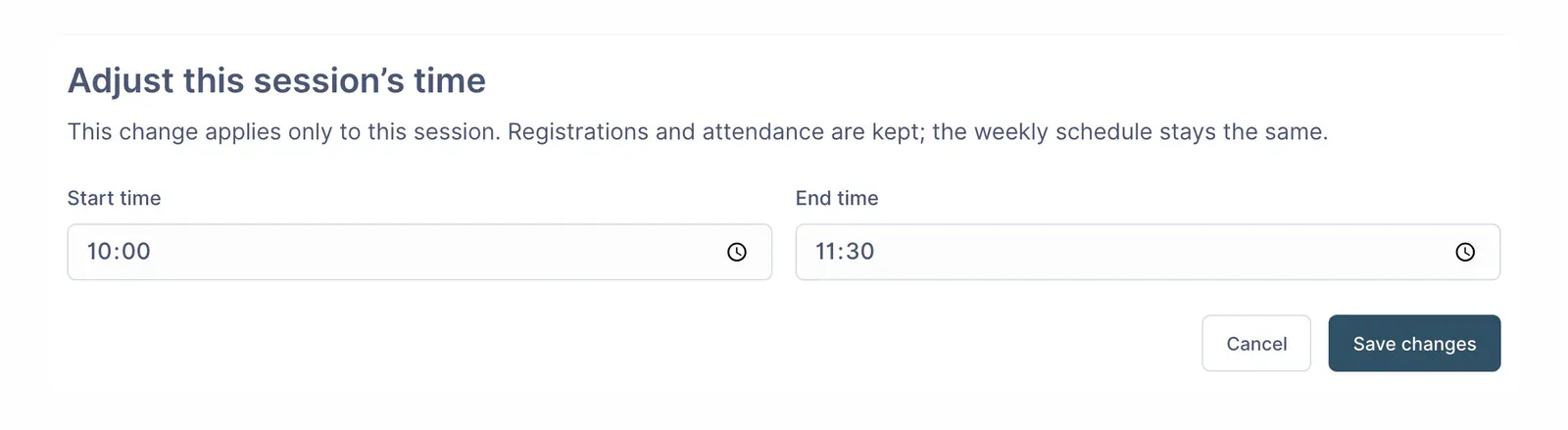
Both times are required. If the end time is earlier than or equal to the start time, MatGoat interprets the class as finishing the next day. Check this case so a typing error does not create an overnight class.
The change applies to that date. Other days keep their usual schedule, and later edits to the weekly schedule preserve this individual adjustment.
Change the class type
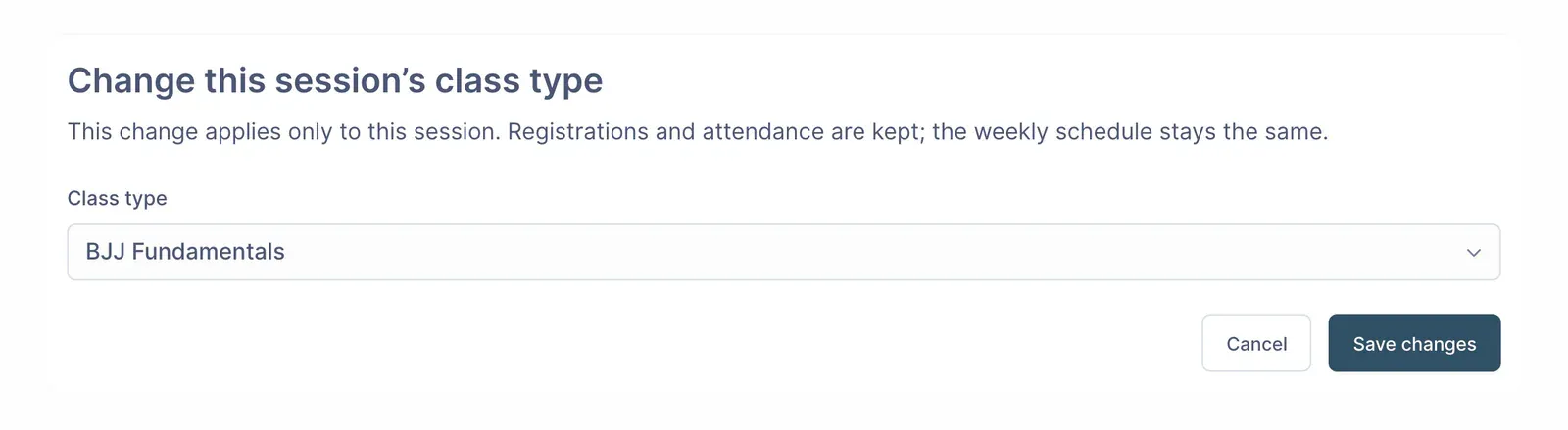
Select the class name in the header. In Change this session’s class type, choose the new type and save. The calendar uses its name and colour, and activity-based access rules are checked against that type.
Cancel a class
Select Cancel Class and read the confirmation before accepting. Cancellation removes every booking and attendance record for that class, including attendance already recorded if the class is today.
The class is marked as cancelled and cannot be booked. People who had a registration receive a notice in their inbox; push or email delivery depends on their preferences and available devices.
If only the time changes, edit the session to keep its bookings. Before cancelling, always check the date and make sure you are not deleting attendance for a class already taught today.
Related articles
Still have questions?
Write to us and a real person will answer, in your language.