
Private conversations with students and parents
In the teacher panel, open Conversations. The inbox contains conversations you participate in within the current academy. Use this flow for a payment, absence or individual question without
Where: Conversations
Updated on
Open in MatGoatChoose a private conversation
In the teacher panel, open Conversations. The inbox contains conversations you participate in within the current academy. Use this flow for a payment, absence or individual question without publishing a general announcement.
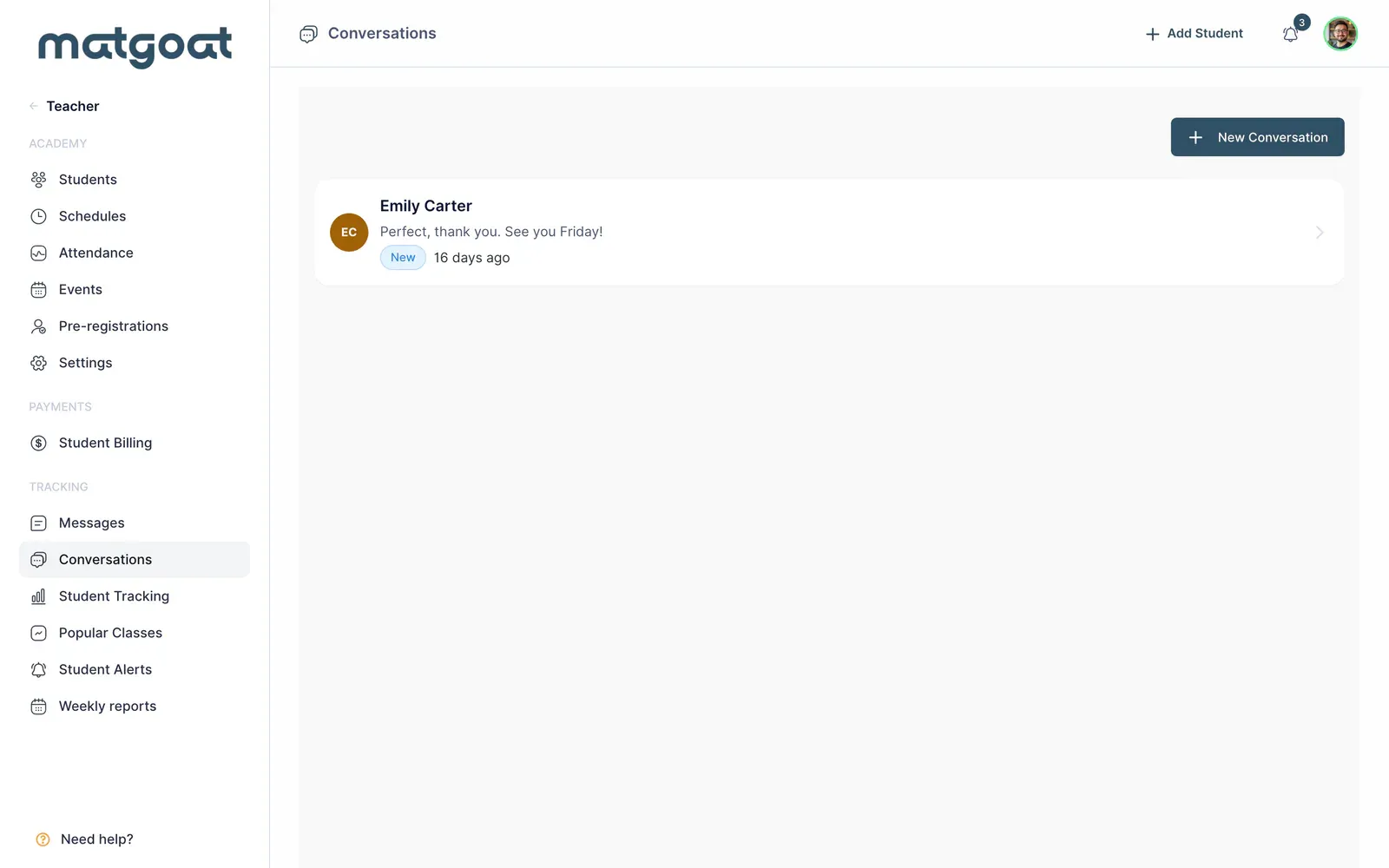
A conversation is identified by its participants and keeps messages in one thread. Before creating another, check whether a conversation with that person already exists and review the latest exchange. This lets you preserve the context instead of distributing information across separate messages.
Start the contact
- Open a new conversation
- Search for the student and check the recipient displayed in the result
- Write the message and review the information you are sharing
- Send and confirm that the message appears in the thread
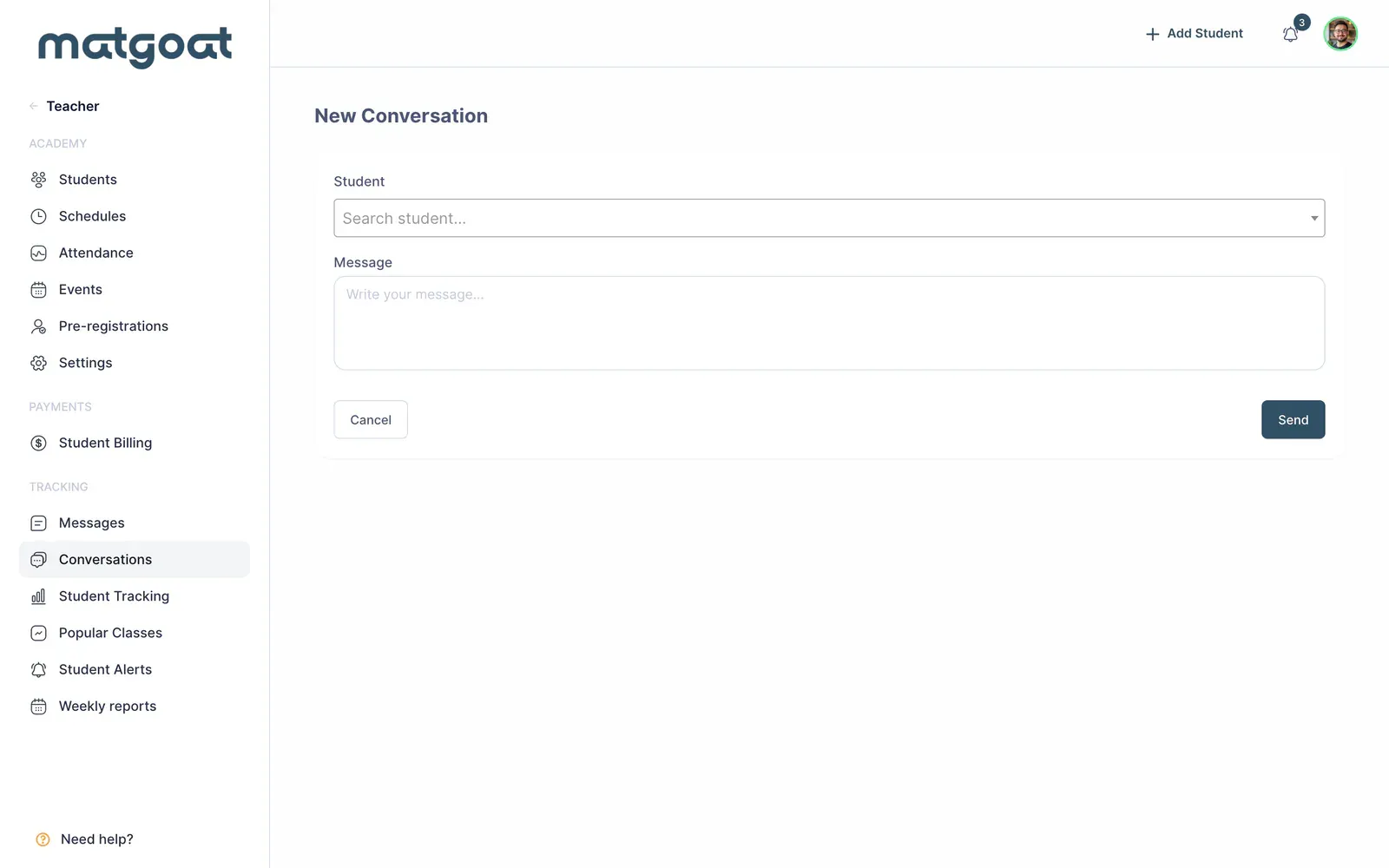
For a managed account, contact can be routed to the appropriate parent or representative. Search results indicate that relationship when the actual recipient differs from the student. If no recipient is available, review the representation and profile details before attempting to send through another route.
Conversation text does not need to repeat all the student’s personal information. Include what the recipient needs to understand the situation and respond. When discussing a payment, check the period and the person who actually manages it.
Read and continue the thread
Opening a conversation shows its messages in order and lets you reply within the same thread. The inbox distinguishes conversations with unread content; several new replies in one thread do not necessarily represent several outstanding conversations.
Access depends on participants. Do not assume every instructor reads another instructor’s private conversation. When a student starts a conversation addressed to the teaching staff as a whole, its scope is different and the recipients defined for that thread participate.
Use retention and payment suggestions
Student tracking or pending payments can open a conversation with a suggested recipient and text. Review the latest attendance or plan used as context before reusing that suggestion. Suggested text helps prepare the message; it does not independently verify the student’s entire situation.
Where an action lets you select several recipients, MatGoat uses the corresponding individual conversations. Do not describe this as a group chat in which students can see each other’s information or replies.
Check delivery
Message notifications depend on the recipient’s preferences and devices. The conversation remains available even when an external notice does not appear on the phone or in email. A sent message and a reply are separate evidence when following up on an issue.
For explicit confirmation across the academy, review Send a message to all students with announcements. For an individual situation, continue in the existing thread and check the response before treating the matter as resolved.
Related articles
Still have questions?
Write to us and a real person will answer, in your language.