
Create your academy and start the free trial
Sign up for MatGoat in three steps, verify your email, pick your discipline, country and time zone, and start the 30-day free trial with no card.
Where: Create your account
Updated on
The person who will manage the academy should create it. If you are a student or guardian, ask your academy for its registration link; that process creates your profile within an existing academy.
Prepare your registration details
From the MatGoat website, open Get started and follow the instructions for opening your academy. Have an accessible email address, the academy name, country, main discipline and contact phone number ready. The trial lasts 30 days and does not require a card.
Your administrator account lets you manage students, schedules and payments. Use an email address you expect to keep and check its spelling before continuing: the verification code will arrive there.
Create your account and verify your email
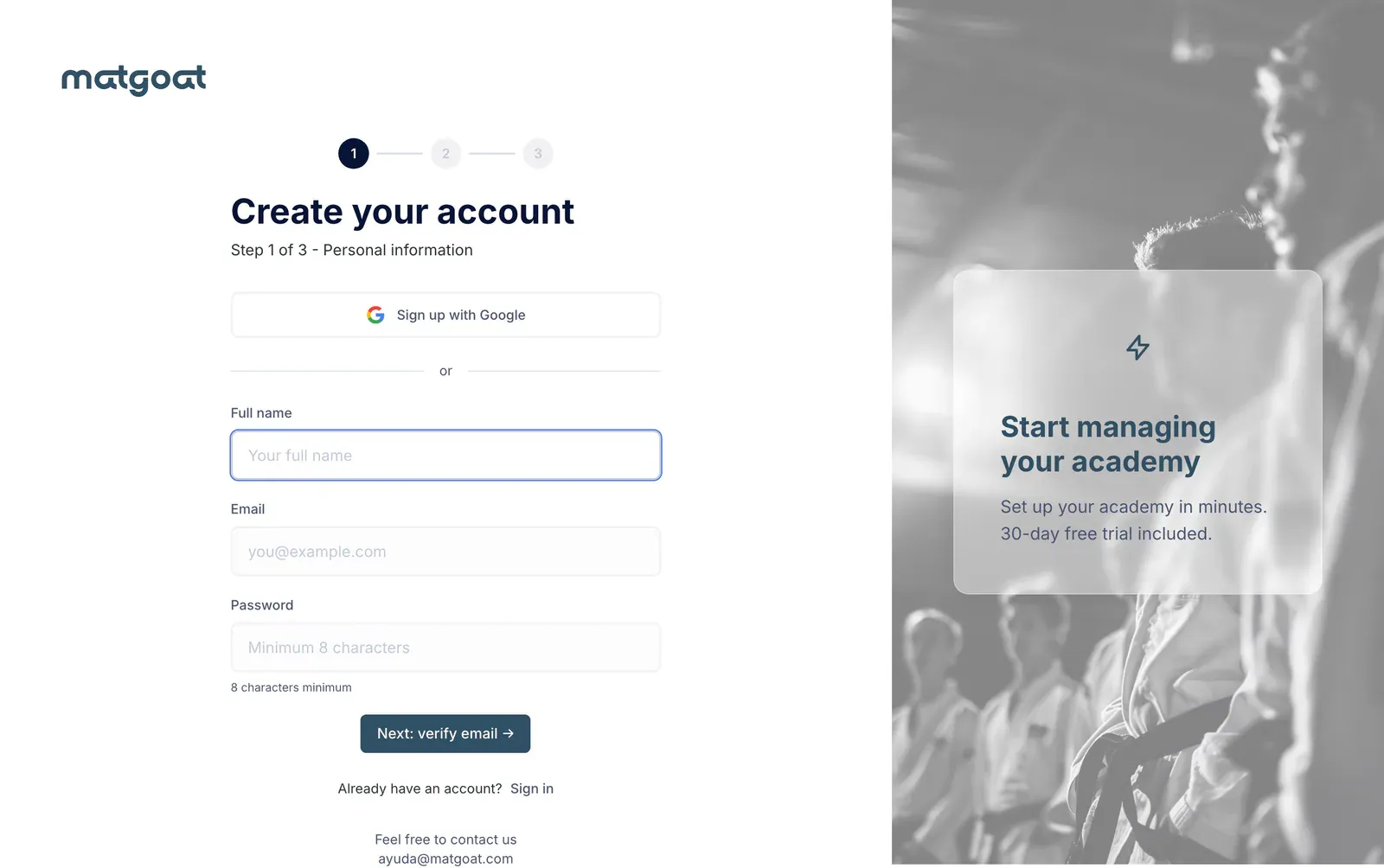
- Under Create your account, enter your name, email and a password of at least eight characters
- Select Next: verify email →
- Open the MatGoat email and enter its six-digit code on the verification screen
- Confirm the code to continue to the academy details
The code expires after ten minutes. If it does not arrive, check your spam folder and wait for the countdown to finish before requesting another. The screen lets you change an incorrectly entered address. Start the registration again if your session expires.
You can also use Sign up with Google. Once Google verifies your identity, you proceed to the academy details without entering that code. If you already have a password-based account, sign in with it to avoid creating a duplicate.
Complete your academy details
The Academy details screen brings together the information needed to create it:
- Academy name and main discipline
- Country and time zone
- Contact phone number
- Website or Instagram, if you want to include one
The country determines currency and billing options. Check it before saving; contact support if you later need to correct it. Check the time zone too, because classes use the academy’s local time.
Your main discipline determines the belt system where applicable. You can add other disciplines in settings after creating the academy.
Open your academy
Select Create my academy. Once registration is complete, MatGoat opens your academy with your administrator account and displays a welcome message. Close it to reach the initial setup checklist.
Start with a class type and a real schedule. You can then share the registration link with your students and create your first payment plan.
Related articles
Still have questions?
Write to us and a real person will answer, in your language.