
Your MatGoat subscription: trial, plan, billing and branded app
Review your MatGoat trial, plan and usage, manage its billing, and check availability of the academy app add-on.
Where: Subscription
Updated on
Open in MatGoatYour MatGoat subscription pays for your academy’s use of the software. It is managed separately from the plans you charge students for. Sign in as an administrator and open Subscription in the MatGoat section.
Review the trial and usage
The page shows your current plan, its status and available usage information, such as students and academies. During a trial, check the displayed date and prepare your subscription before it ends.
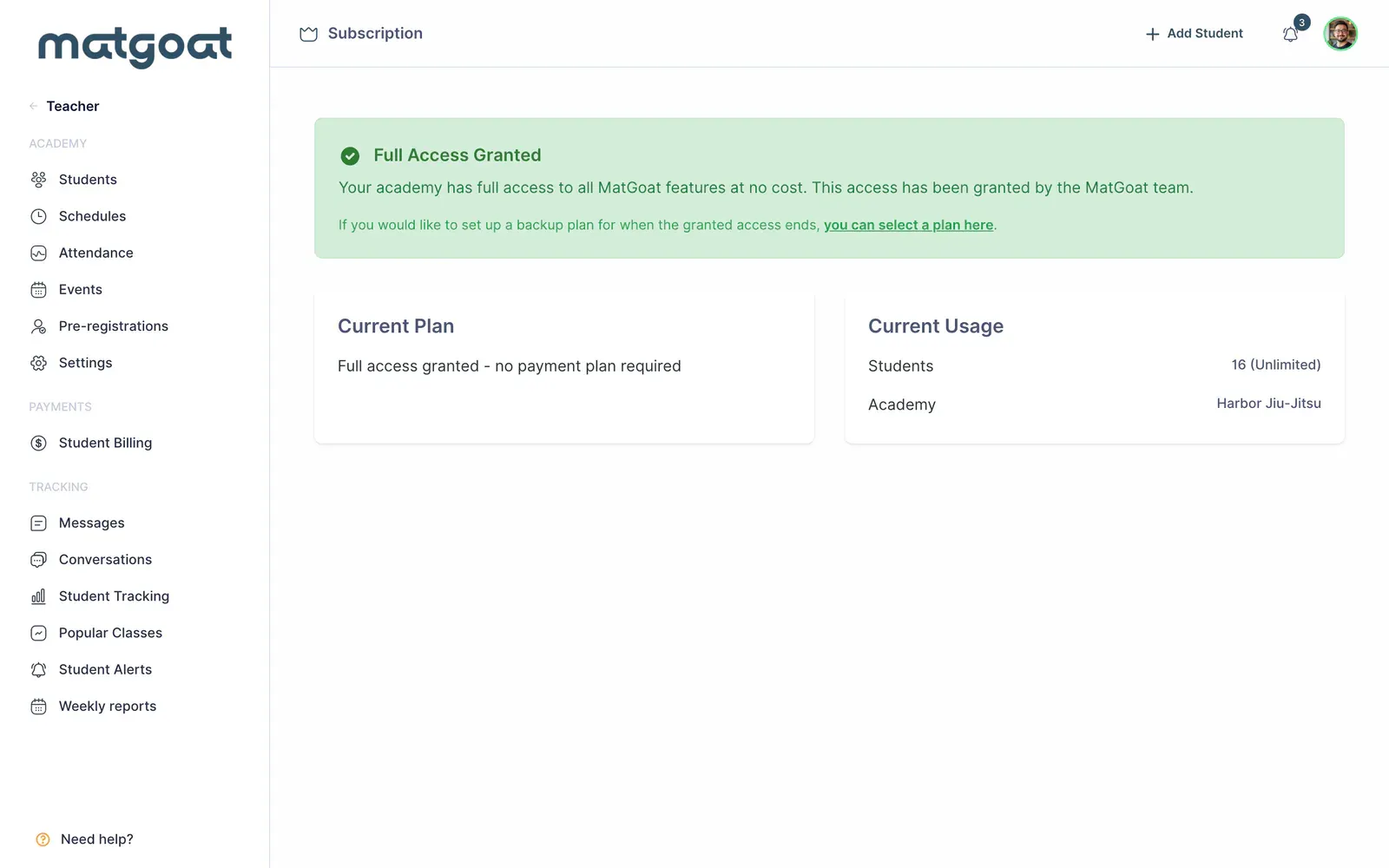
The initial trial lasts 30 days. Choosing a paid plan starts the purchase process shown on screen; do not assume it adds another trial or always waits until the current trial’s last day to charge you.
The limits and counters on this page are used for the software subscription. They do not necessarily match every active-student filter on other screens.
Choose or change a plan
Select Select a plan or the change-plan option, according to your account status. Before confirming, review:
- The currency and price offered to your organization
- The number of students and academies included
- The billing period and displayed taxes
- Any add-ons included in the total
Available plans can depend on your currency and organization terms. Use the price shown during purchase to make your decision. If you need another academy within your organization, contact MatGoat to arrange its creation.
Manage payment or cancellation
For a compatible subscription, Manage Payments opens the billing portal. There you can review available options for your payment method and MatGoat subscription documents.
Cancellation from this page is scheduled for the end of the current period. Check the resulting status. If the page offers reactivation, you can withdraw that pending cancellation.
Cancelling the software subscription and closing an academy have different effects. For a permanent closure, review the relevant guide and your students’ payments before proceeding.
Check the academy app
The Academy Mobile App add-on appears when available for your subscription. Review its price, effect on the total and conditions before adding it. If it is missing, ask MatGoat about availability and the publication process for your app.
Organizations with several academies manage billing through their organization area. Parts of that screen may appear in Spanish.
After purchasing or changing a plan, return to this page and confirm the status, price and next renewal.
Related articles
Still have questions?
Write to us and a real person will answer, in your language.