
Manage your subscription: changes, pauses, cancellation and receipts
Review your plan and scheduled changes, manage a pause or cancellation, and find payment history and available receipts.
Where: Subscription Management
Updated on
Open in MatGoatOpen Payments to review your academy plan. If you manage other people, check Plans and payments for before making changes. Seeing a family member’s plan does not mean you can manage a subscription paid by someone else.
Review your current plan
The card shows the plan, its price and whether payment is online or at the academy. Online plans may show the next payment date; other plans may show the date until which they remain active.
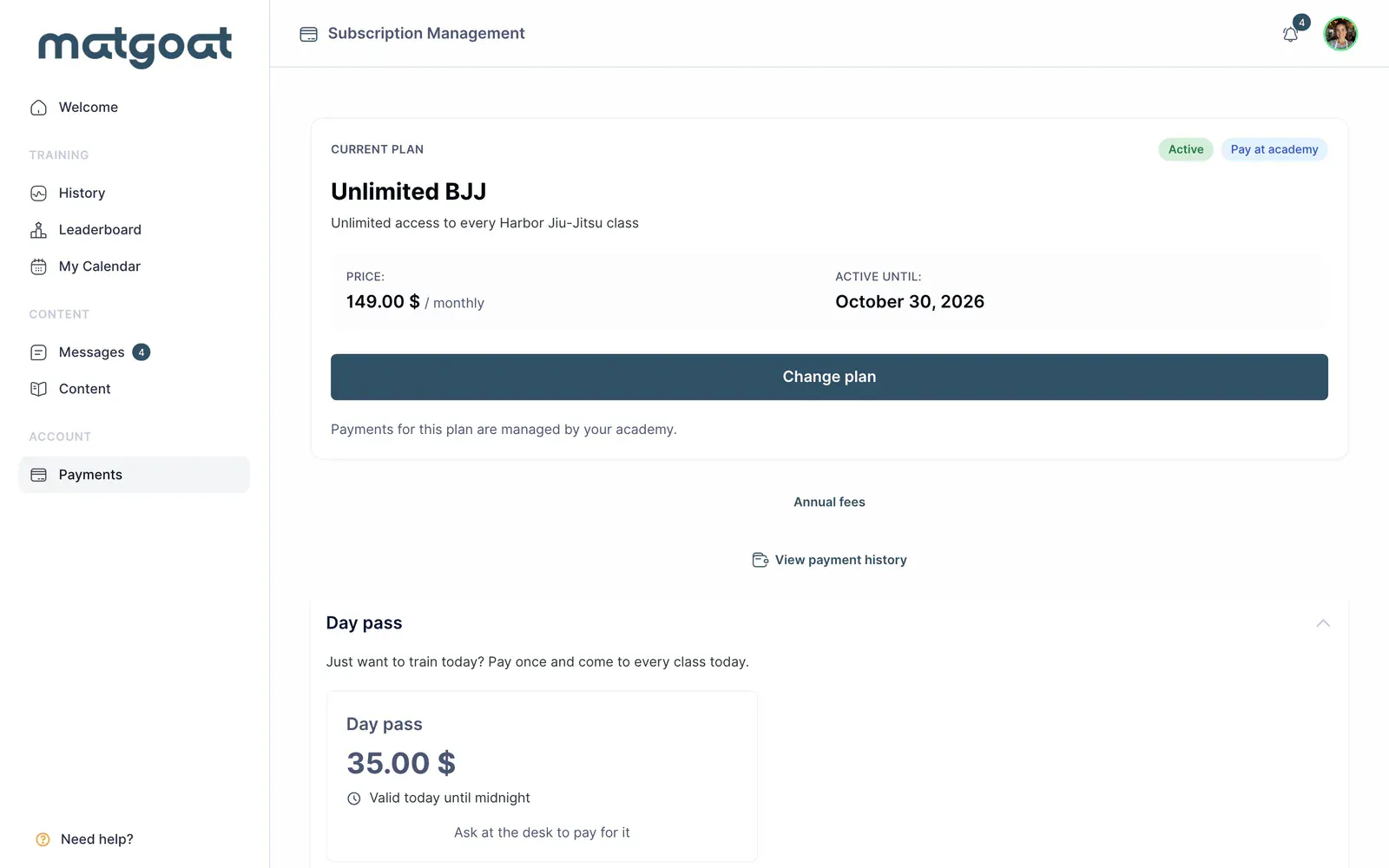
Use Manage subscription when available to access payment management options. Manually collected plans are managed with your academy; contact staff to correct an amount or provide evidence of a missing payment.
Change your plan
Select Change plan, choose an option and review the confirmation. Check the current plan, new price and explanation of what will happen before confirming.
The change may take effect immediately or be scheduled for another date, depending on the plans involved. When a change is scheduled, the card shows its destination and date. Keep current plan cancels that pending change after confirmation; it does not erase payment history.
If the result does not match your expectations, contact the academy before purchasing another plan for the same person.
Pause or cancel
For a compatible online subscription, open Payment pause. Review the affected people, start and end dates and optional reason before saving. A family subscription pause may affect several children.
The pause also changes the student’s status and may remove bookings during the period. Check classes when you return; resuming payments does not guarantee earlier bookings will be restored. Use Resume payments when available to end the pause early.
Cancel Subscription requests cancellation at the end of the current period. Confirm only after reviewing the notice. While Reactivate Subscription appears, you can use it to withdraw a pending cancellation that permits this action.
Cancelling the plan does not delete your account or automatically request refunds for earlier payments.
Find payments and receipts
Use View payment history to review available records. For online receipts, open the PDF when a download button appears. Not every record has a downloadable document.
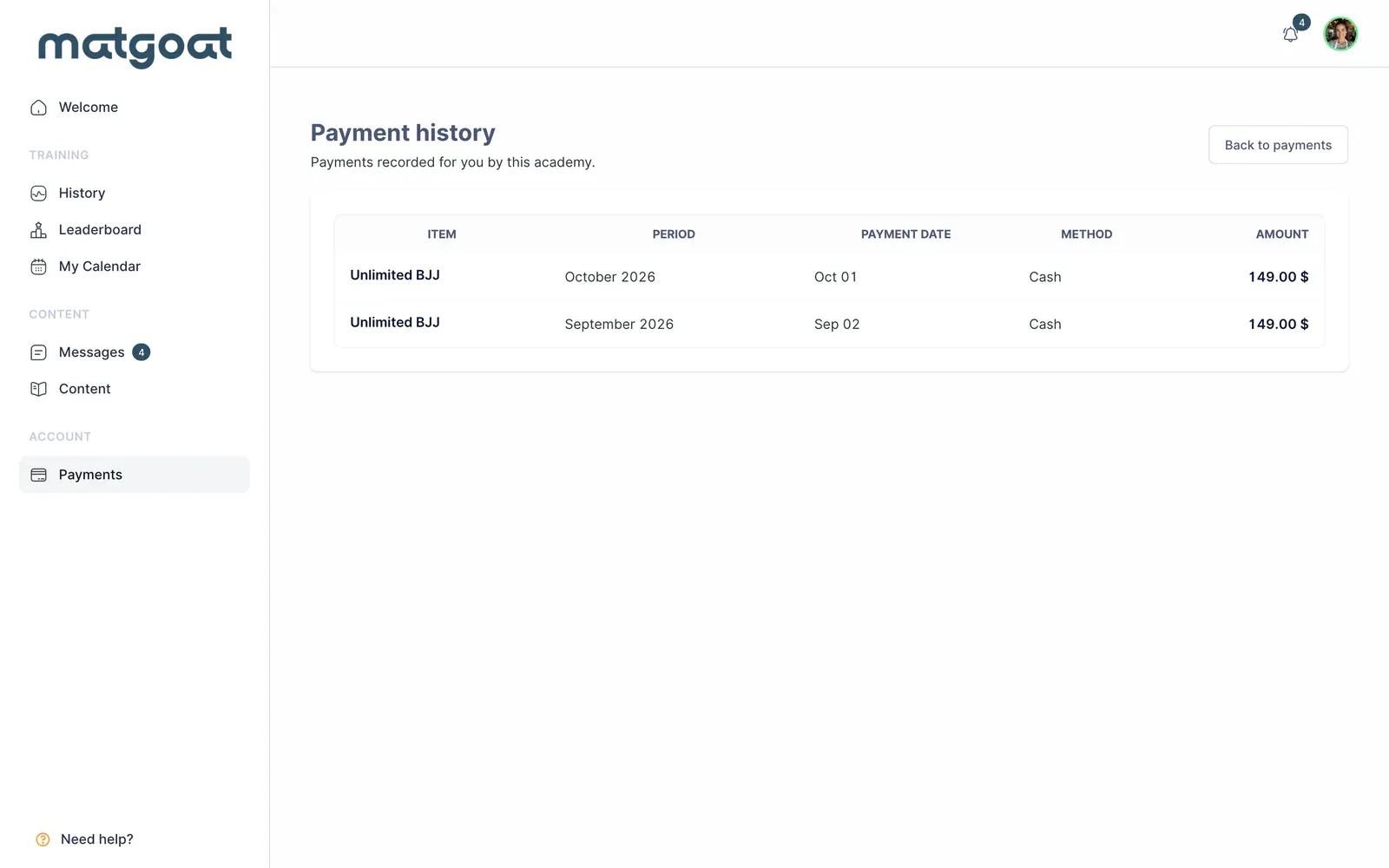
Annual fees are separate charges: review their section if your academy charges insurance, enrollment or other fees. Cancelling a recurring subscription does not settle those charges by itself.
After any change, return to the plan card and check its status and displayed date.
Related articles
Still have questions?
Write to us and a real person will answer, in your language.