
Collect annual fees for insurance, registration and other charges
From the payment-control page, open Annual fees. This tool manages items such as insurance or annual registration with their own dates and charges. Paying an annual fee does not replace
Where: Annual fees
Updated on
Open in MatGoatCreate an annual charge separate from tuition
From the payment-control page, open Annual fees. This tool manages items such as insurance or annual registration with their own dates and charges. Paying an annual fee does not replace tuition or independently grant access to classes.
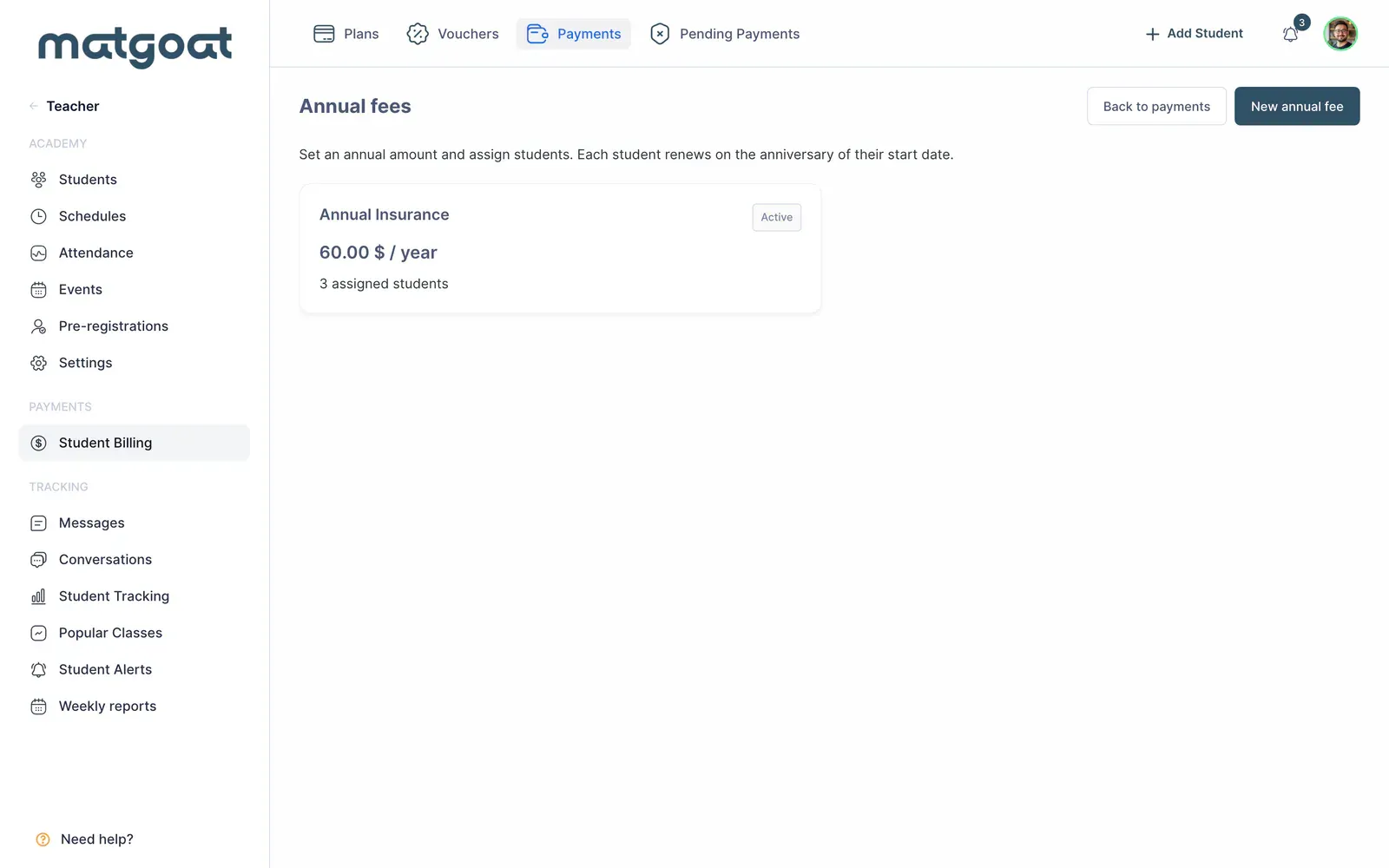
Before creating a fee, define who it applies to, the amount and each student’s reference date. Renewal follows the anniversary of that date; do not assume all students share one due date simply because they belong to the same academy.
Configure the fee and its students
- Open the new annual-fee form
- Enter the name, category and amount
- Select the students to whom it applies
- Review each assignment’s starting date
- Check online payment and reminder options before saving
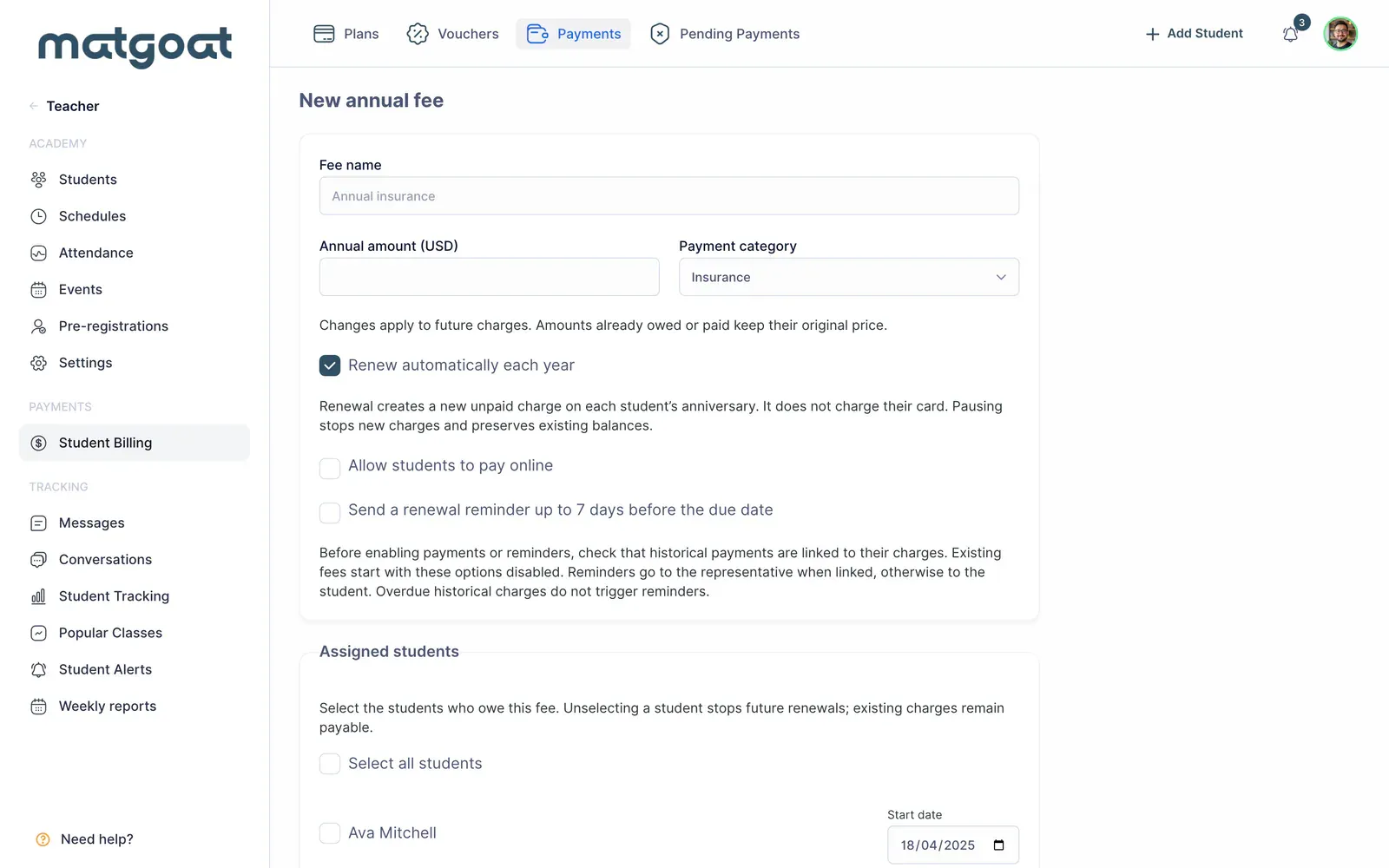
The student’s joining date supplies the initial reference when you have not specified another. Pay particular attention to imported or long-standing students, because this date determines the anniversary. The tool does not automatically turn every previous year into an outstanding debt.
After saving, open the list and check the charges created. Each charge retains information for its period. A later price change should not be interpreted as rewriting every historical receipt.
Record payment against a charge
Open an outstanding charge and select Record payment. Record the collection through the displayed flow, checking date and method. When offered the option to link a compatible existing payment, use it to avoid duplicating money already recorded.
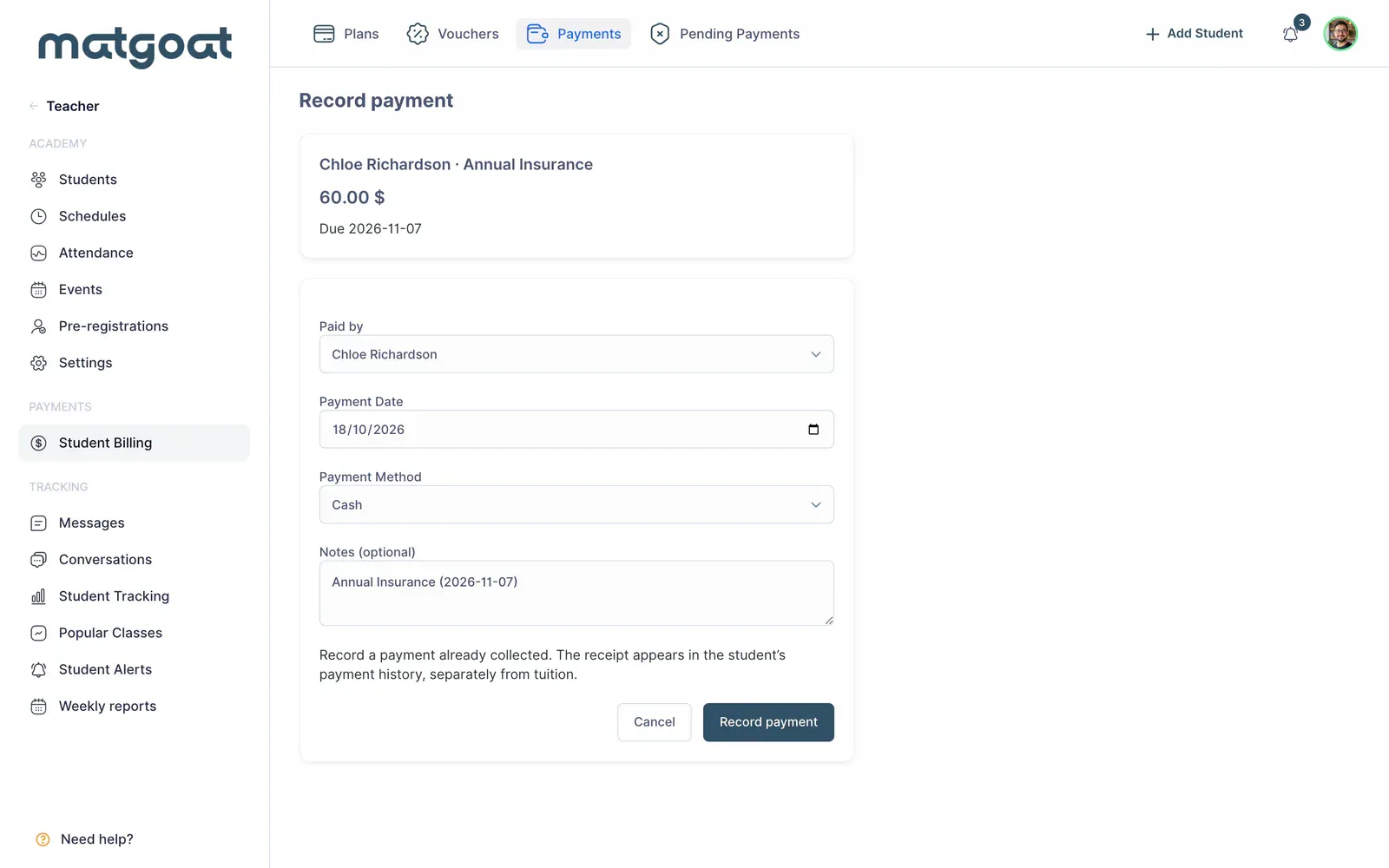
Return to the student’s profile or fee list to verify paid status. If the money actually relates to tuition, correct the category before using it to settle an annual fee. These are separate obligations within the history.
Renewal and membership changes
Renewal creates a new unpaid charge; it does not automatically charge the student’s card. This distinction lets you review amounts and organise collection through the appropriate channel when the due date arrives.
When removing a student from future renewals or disabling the fee, review charges that already exist. Stopping future renewal does not erase history or return money already collected. Check assignments when an archived student returns to training.
Online payment and notices
Online payment requires active Stripe integration and an unpaid charge. The student or authorised representative uses the annual-fees section to complete the transaction. If online payment is not offered, they should arrange collection with the academy.
Renewal reminders depend on the option enabled for that fee and the ability to contact the recipient. A notice does not mark the charge as paid or prove that the recipient has completed the payment.
Before announcing an annual fee, review a student from the list and confirm their next date, amount and payment route.
Related articles
Still have questions?
Write to us and a real person will answer, in your language.